

Tables vs. Views: Do you know the difference?
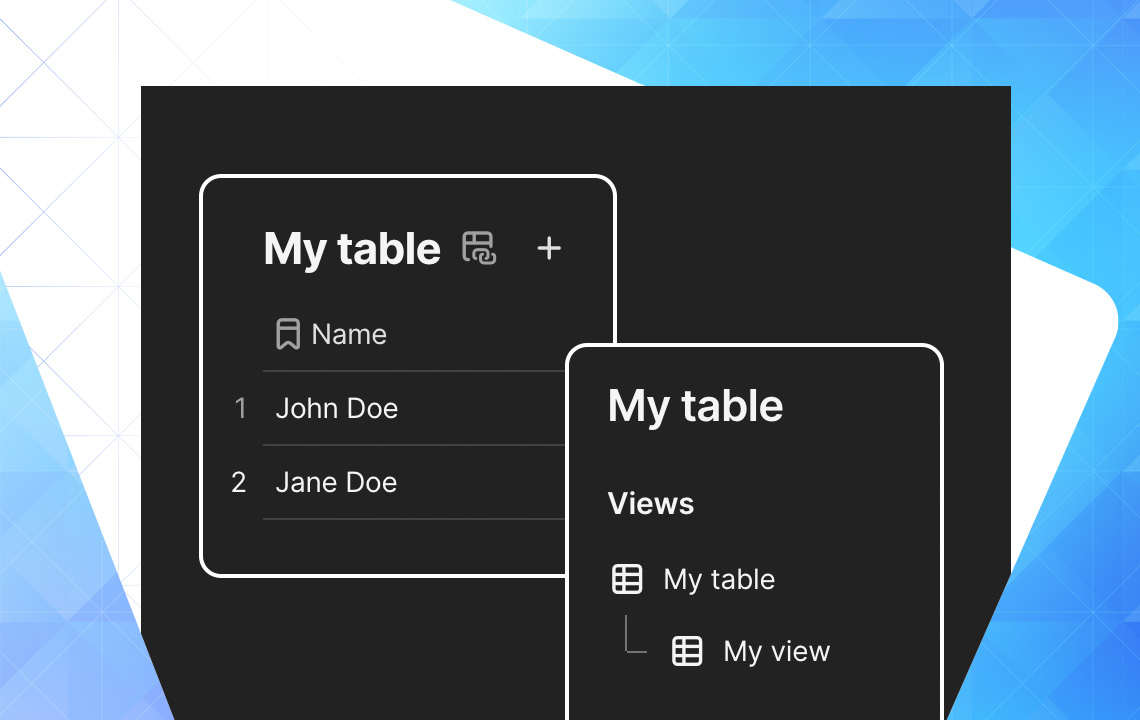
Today's Topic: Tables vs. Views
One of the foundational concepts in Coda is understanding the difference between Tables and Views. Without this knowledge, it's hard to use Coda as anything more than a fancy Google Doc, and we definitely want to get past that!
Mastering tables and views is the difference between having a Coda doc that people say "I love using this tool at my job!" and "Are you kidding me, another Coda doc I have to use?"
Views allow you to create pages like "Completed Tasks" or "Priority Customers" - they allow you to create pages with meaning.
Today's newsletter is geared toward Coda beginners, but even if you've been with Coda for a while, take a look at the Other Sweet Facts section for some tips you may not have seen before.
What is a Table?
Tables are Coda's foundational building blocks, and they are a way to store structured information. Tables are organized in rows and columns, but do not get them confused with spreadsheets! They are far different from a Google Sheet or Excel Spreadsheet.
Each row in a table represents a distinct object, while each column represents a distinct characteristic of or information about that object.
For example, in the People table, each row represents a single individual while the columns tell us information about those individuals.
What is a View?
A view is like a mirror-image of your table, a way to display that table elsewhere in your document. Any changes you make to the view will be reflected in the original table, and any changes you make the original table will in turn be reflected in the view.
The fact that views are all fundamentally connected allows you to have an always up to date source of truth.
Views are important for two main reasons:
- A single table is accessible and editable from multiple locations.
- You can show unique slices of data with unique column setups.
Consider a team with a task table where each task is either "Done" or "Incomplete." Rather than having a large, cluttered table where all tasks live in one place, you can make a View on a new page that contains only the tasks that are "Incomplete."
Project Table Example
Consider a table of projects with multiple columns:
- Due Date
- Project Owner
- Outstanding Tasks
- Reflection on Project
The Reflection on Project column is only applicable once a project has actually been completed. As a doc builder, you can create two views of the projects table and filter them accordingly.
Main Table: All of the data - where you build the structure from
View 1: Projects being worked on. Show only rows of incomplete projects with applicable columns.
View 2: Projects completed. Show only rows of completed projects with applicable columns.
Other sweet facts
- You can have as many views of a table as you want!
- No tables or views anywhere within a document can have the same name.
- The original table you created has some special powers and properties. Store it on a unique page for easy locating.
- Next to each table and view name is a small chain-link icon. Clicking it opens a sidebar showing connections and all related views.
Want to read more?